 732.389.4800
Quiet Hotels for Remote Work in New Jersey – 5 Hotels to Consider
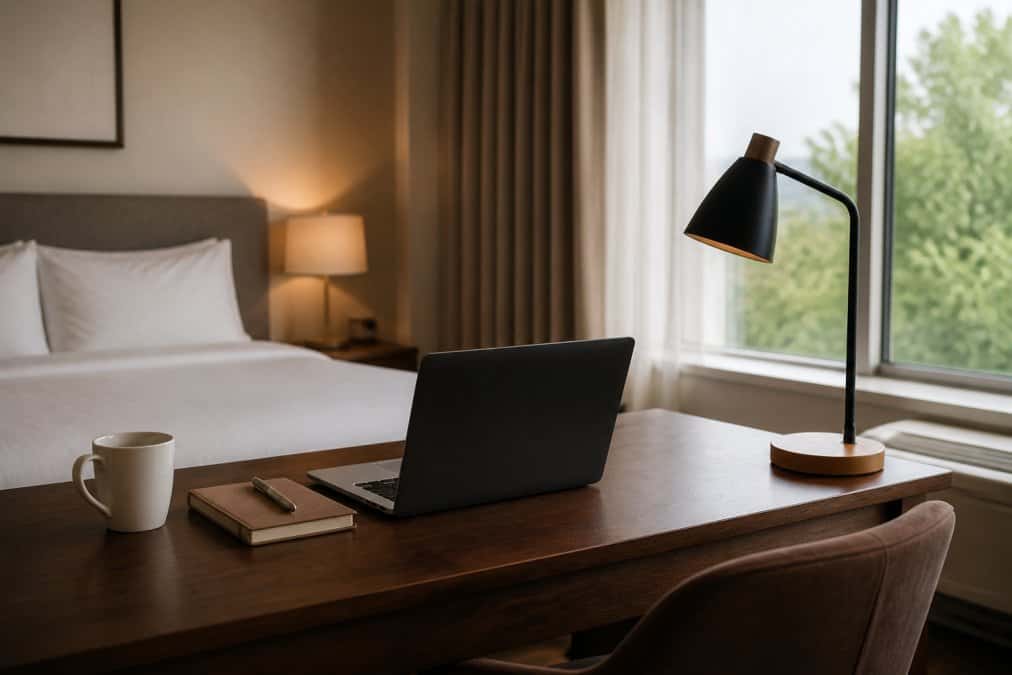
The best quiet hotels for remote work in New Jersey combine reliable Wi-Fi, comfortable workspaces, privacy for video calls, and amenities that make traveling while working easier.
Whether you’re visiting the Jersey Shore, spending a week near New York City, or taking an extended trip through New Jersey, you shouldn’t have to sacrifice your normal working routine.
We’ve selected five hotels across different New Jersey regions based on their published workspace features, room layouts, and amenities for longer stays. Since noise varies by room and date, we’ll also explain how to check whether a hotel will actually be quiet during your working hours.
Quiet Hotels for Remote Work in New Jersey: 5 Areas to Consider
New Jersey offers everything from waterfront city stays to coastal getaways.
Choosing the right area depends on how you want to spend your time outside work, while choosing the right hotel depends on its workspace and amenities.
| Area | Recommended hotel | Main advantage for remote workers |
|---|---|---|
| Jersey City and North Jersey | Hyatt House Jersey City | Dedicated workspaces and suites with kitchens |
| Princeton and Central Jersey | Hyatt Regency Princeton | Large desks and a corridor-end room option |
| Monmouth County and Northern Jersey Shore | Latitude Suites Tinton Falls | Work desks, full kitchens, and separate-bedroom suites |
| Mount Laurel and South Jersey | Hyatt Place Mt. Laurel | Separate work areas and complimentary Wi-Fi |
| Atlantic City and Southern Jersey Shore | Homewood Suites Atlantic City/Egg Harbor Township | Extended-stay suites with kitchens and workspaces |
1. Jersey City and North Jersey: Hyatt House Jersey City
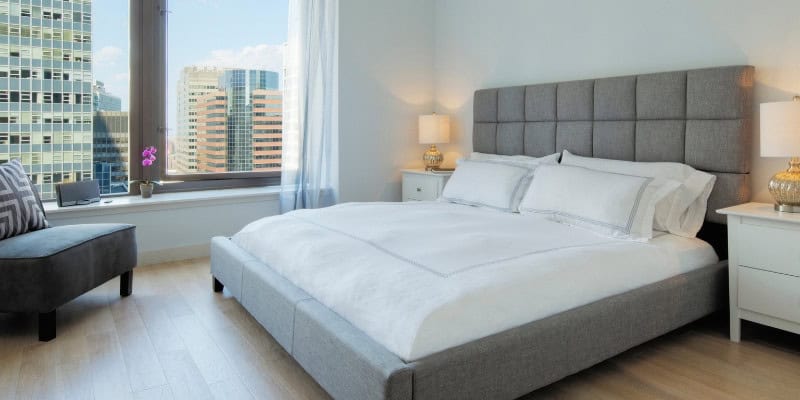
For remote workers who enjoy an urban setting, Jersey City offers waterfront views, restaurants, and access to New York City for activities after work.
Hyatt House Jersey City is worth considering because its rooms include dedicated workspaces and complimentary Wi-Fi. Its King Studio Kitchen features a kitchen and divided living and sleeping areas, while one-bedroom suites offer additional separation for longer stays.
Why consider it: The extended-stay layouts make it practical for travelers who want more than a conventional hotel bedroom.
What to check: Confirm the desk arrangement in your chosen room category and ask about rooms away from busy common areas and the rooftop venue.
2. Princeton and Central Jersey: Hyatt Regency Princeton
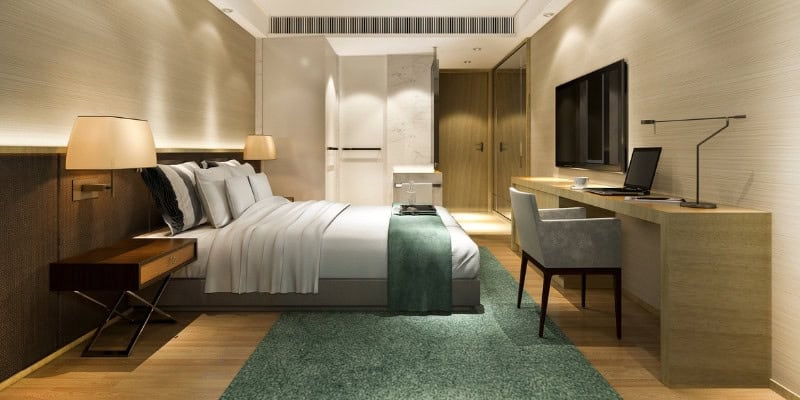
Princeton is an appealing option for visitors who want a change of scenery, with the town’s shops, restaurants, and university surroundings to enjoy after finishing work.
Hyatt Regency Princeton provides large work desks with dedicated lighting and complimentary Wi-Fi.
Its 1 King Bed Deluxe rooms are particularly relevant: the hotel describes them as corridor-end accommodations intended to offer more privacy and quiet.
Why consider it: The room category provides a more specific starting point for a quiet-room request than a generic hotel listing.
What to check: Ask about scheduled events, particularly around the hotel’s atrium, and confirm the room location before reserving.
3. Monmouth County and Northern Jersey Shore: Latitude Suites Tinton Falls
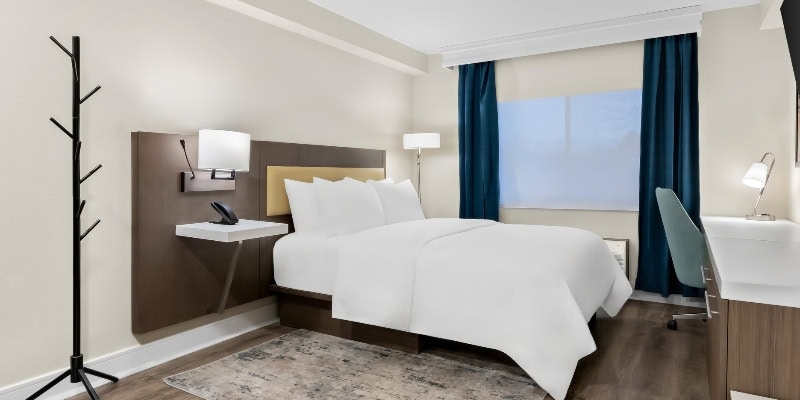
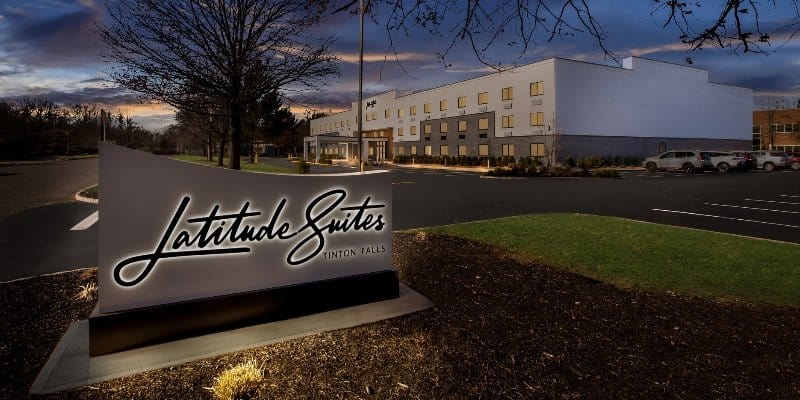
For travelers combining remote work with time at the Jersey Shore, Latitude Suites Tinton Falls offers suite-style accommodation near Red Bank, Asbury Park, and the northern Shore.
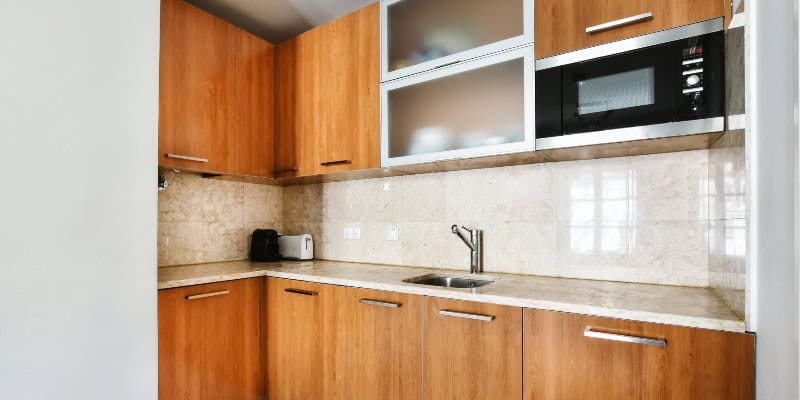
Its Studio Suite with one queen bed includes a work desk and a kitchen with full-size appliances. The Deluxe Suite with one king bed adds a separate bedroom and sitting area, making it worth considering when sharing accommodation or staying several days.
The hotel also provides complimentary Wi-Fi, guest laundry, a fitness room, and an indoor pool.
Why consider it: Work desks, kitchens, and larger suite layouts help remote workers maintain daily routines during longer trips.
What to check: Review the exact suite layout and request a room away from likely noise sources. Standard check-in is 4 p.m. and checkout is 11 a.m., so plan accordingly.
What Our Guests Are Saying


4. Mount Laurel and South Jersey: Hyatt Place Mt. Laurel

Mount Laurel can be a useful base for visitors spending time in southern New Jersey while keeping Philadelphia within reach for activities after work.
Hyatt Place Mt. Laurel offers rooms with separate work areas, free Wi-Fi, and a Cozy Corner seating area with a sofa bed. Its king and two-double-bed rooms also include a mini-fridge.
Why consider it: The layout offers a dedicated place to work without requiring a large suite, while complimentary breakfast adds convenience before starting the day.
What to check: The workspace is separate from the sleeping area but is not necessarily an enclosed room. Check whether the layout provides enough privacy for calls.
5. Atlantic City and Southern Jersey Shore: Homewood Suites Atlantic City/Egg Harbor Township
If your trip includes Atlantic City or the southern Shore, a hotel with extended-stay amenities may be more useful than a conventional resort room.
Homewood Suites by Hilton Atlantic City/Egg Harbor Township offers suites with designated workspaces and full kitchens, along with free Wi-Fi, breakfast, laundry facilities, and an indoor pool.
Located inland from Atlantic City, it provides access to the Boardwalk and other attractions without requiring accommodation directly in the resort district.
Why consider it: The combination of a workspace, cooking facilities, and laundry is useful for people working remotely over several days or weeks.
What to check: Confirm the desk and chair in your chosen suite and allow for travel time when planning trips to the coast.
Plan Your Perfect Getaway
Experience Comfort & Convenience at Latitude Suites
Latitude Suites offers the ideal blend of comfort and convenience, whether you're here for business or leisure. Our spacious rooms, premium amenities, and central location are all designed to make your stay exceptional. Secure your reservation today for an unforgettable stay.
What Amenities Should a Hotel Have for Remote Work?
A suitable remote-work hotel should offer more than complimentary Wi-Fi. The room must support your working hours, equipment, and daily routine.
Reliable Wi-Fi for Video Calls and Online Work

Internet access is often the most important requirement for working remotely from a hotel.
Look for:
- Complimentary Wi-Fi available inside guest rooms, not just shared areas.
- Sufficient upload and download speeds for your work applications.
- A stable connection during video calls and screen sharing.
- Reliable mobile coverage for backup connectivity.
For reference, Zoom’s Web App guidance recommends 3.8 Mbps upload and 3.0 Mbps download for 1080p video. Other applications and video settings have different requirements.
A hotel’s advertised internet speed cannot guarantee call stability. Check recent guest feedback and conduct a short test call after arrival.
A Proper Desk and Comfortable Chair
A desk is more useful than a bedside table when you’re working for several hours.
Look for enough space for your laptop, mouse, charger, and any additional equipment. If the room listing mentions an office chair, check its design and adjustability rather than assuming it will be comfortable throughout the day.
For longer stays, bringing a portable laptop stand, keyboard, and mouse can make a substantial difference.
Quiet Rooms and Privacy

A quiet room is particularly important when your work involves concentration or frequent meetings.
Prioritize rooms away from elevators, ice machines, busy roads, and service areas where possible. Rooms with separate sleeping and living areas can also help when traveling with someone else.
If you handle confidential information, choose a private room rather than relying on a hotel lobby or shared business center.
Kitchens, Laundry, and Longer-Stay Amenities
For a one-night visit, a desk and reliable connection may be enough.
For a week or longer, consider amenities that support your normal routine:
- Kitchen or kitchenette for preparing meals.
- Laundry facilities.
- Refrigerator and suitable storage.
- Fitness facilities or outdoor recreation nearby.
- Comfortable space to relax after work.
These features are particularly useful for digital nomads and people combining travel with their regular jobs.
How Can You Tell Whether a Hotel Is Actually Quiet?
The most reliable approach is to check recent guest experiences and ask about noise during your specific working hours. A hotel described as quiet at night may still experience daytime construction, housekeeping activity, or events.
Before booking:
- Read recent reviews: Look for repeated mentions of traffic, hallway noise, air conditioning, or poor sound insulation.
- Ask about room locations: Request information about rooms away from elevators, service areas, and other likely disturbances.
- Check scheduled activity: Ask whether renovation work, weddings, or other large events will occur during your stay.
- Confirm the request: Find out whether a quieter room location can be guaranteed or is subject to availability.
Noise-canceling headphones can reduce distractions, but they cannot solve every problem. If you conduct important calls, check whether background noise is audible through your microphone.
Day-Use Hotels vs. Overnight Stays: Which Is Better for Remote Work?
An overnight stay is generally more practical when you’re traveling and working remotely for several days. A day-use hotel is better suited to someone who needs a private workspace for a few hours without staying overnight.
Some day-use hotels in New Jersey offer room access during specific daytime windows. These can be useful between travel arrangements or when you need a quiet place for a single working day.
Before booking, verify:
- The exact room access hours.
- Whether the booking includes a private guest room.
- The full cost, including applicable fees.
- Cancellation terms and any additional charges.
For overnight stays, remember that a room may not be available until the afternoon and checkout may take place before your workday ends. Arrange access around your meetings rather than assuming you can use the room all day on arrival or departure.
How to Set Up Your Hotel Room for a Productive Workday
Even a well-equipped room can benefit from a few small adjustments.
- Arrange the workspace: Position your laptop or monitor at a comfortable viewing height and keep your keyboard around elbow level.
- Check the lighting: Use natural or soft light from in front of you for video calls, rather than sitting with a bright window directly behind you.
- Test the connection: Run a speed test and make a short call before your first scheduled meeting.
- Prepare backup equipment: Keep your charger, headset, and mobile hotspot available.
- Manage interruptions: Ask reception about housekeeping arrangements and use the hotel’s privacy procedures when necessary.
If you’re traveling with another remote worker, consider booking accommodation with a separate bedroom or enclosed living area. Two people taking calls in the same open room may struggle with background noise.
Frequently Asked Questions
Yes. Many New Jersey hotels offer desks, Wi-Fi, and accommodation suitable for extended stays. However, room layouts and working conditions vary. Check the specific room category rather than relying on a hotel’s general amenities.
Yes, provided you follow your employer’s security requirements. Use encrypted services, keep your devices updated, and connect through your company’s approved VPN when required. Avoid exposing sensitive information in public areas.
A suite with separate rooms or enclosed living and sleeping areas is generally preferable, especially when both people attend video meetings. Confirm the number of usable work surfaces and whether the layout provides sufficient sound separation.
Yes, subject to the hotel’s stay limits and booking conditions. Extended-stay hotels and suites with kitchens, laundry facilities, and designated workspaces are often more practical for longer trips.
Plan Your Perfect Getaway
Experience Comfort & Convenience at Latitude Suites
Latitude Suites offers the ideal blend of comfort and convenience, whether you're here for business or leisure. Our spacious rooms, premium amenities, and central location are all designed to make your stay exceptional. Secure your reservation today for an unforgettable stay.
Find a New Jersey Hotel That Fits Your Remote-Work Routine
The right hotel depends on where you want to stay, how many hours you work, and what you need from your room.
Start by comparing the hotels in your preferred area, then verify workspace details, Wi-Fi, daytime noise, and room access before booking.
If you’re planning to spend time around Monmouth County or the northern Jersey Shore, you can compare the suite options at Latitude Suites Tinton Falls to find a layout that fits both your workday and your time away.


